Rounded Square Reels Template
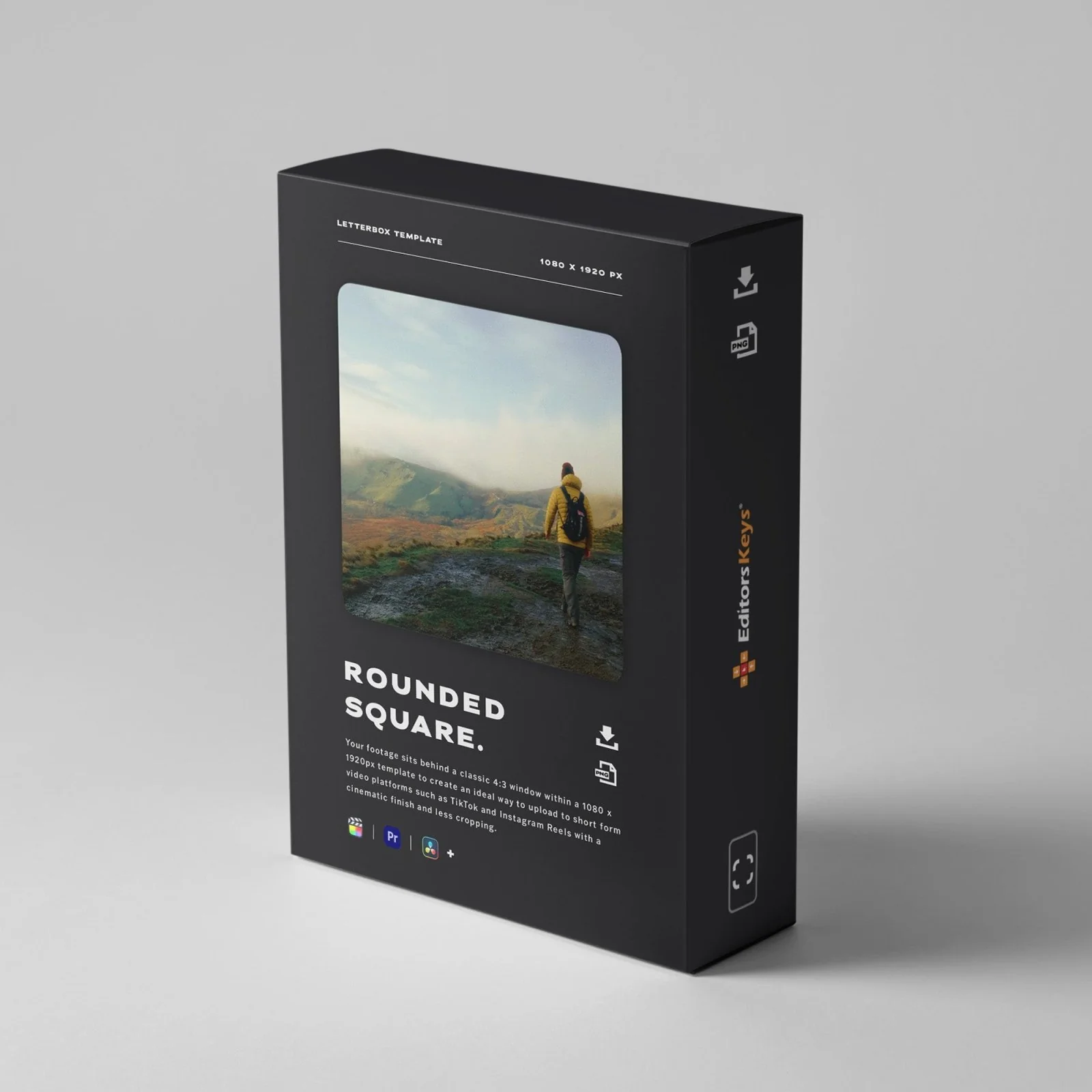
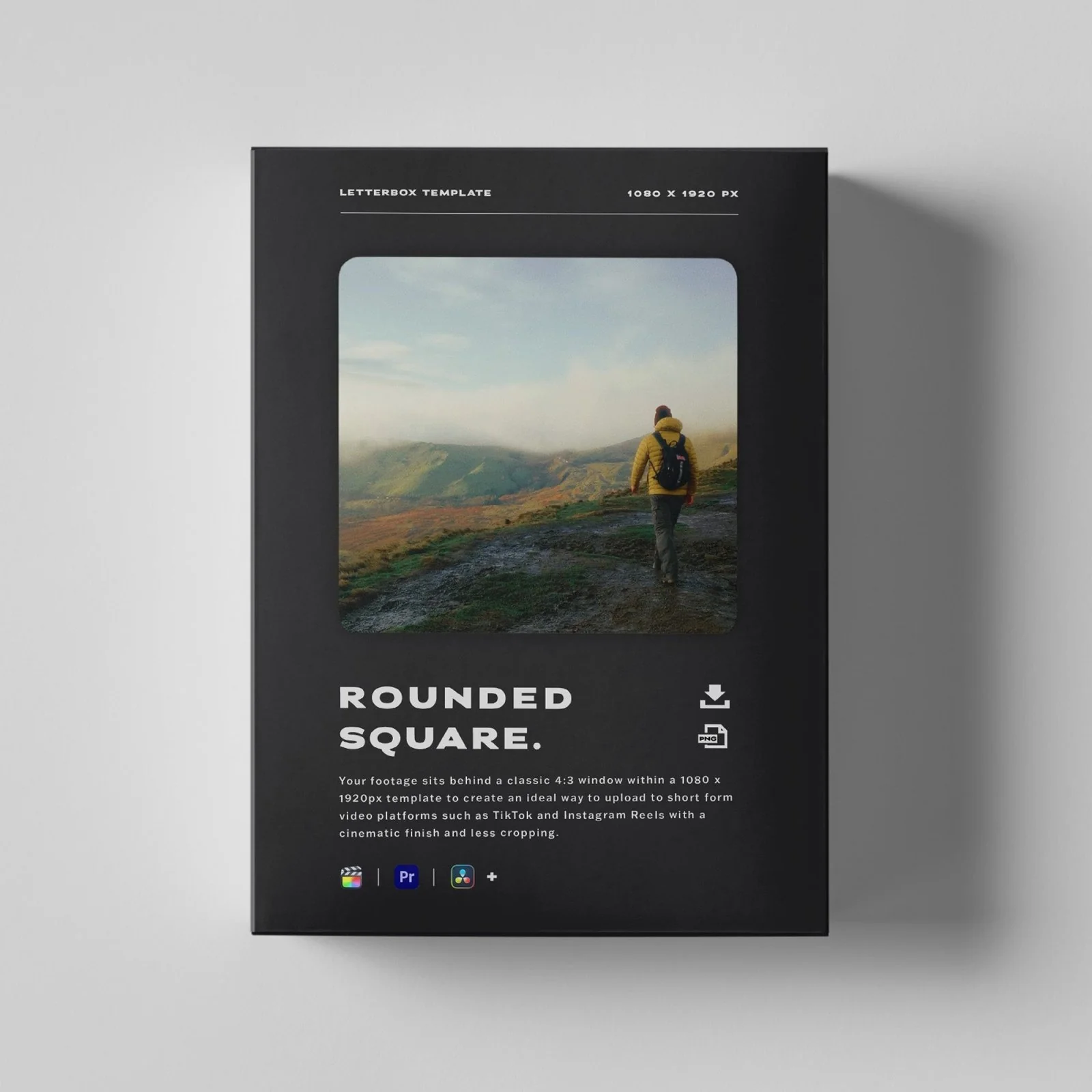
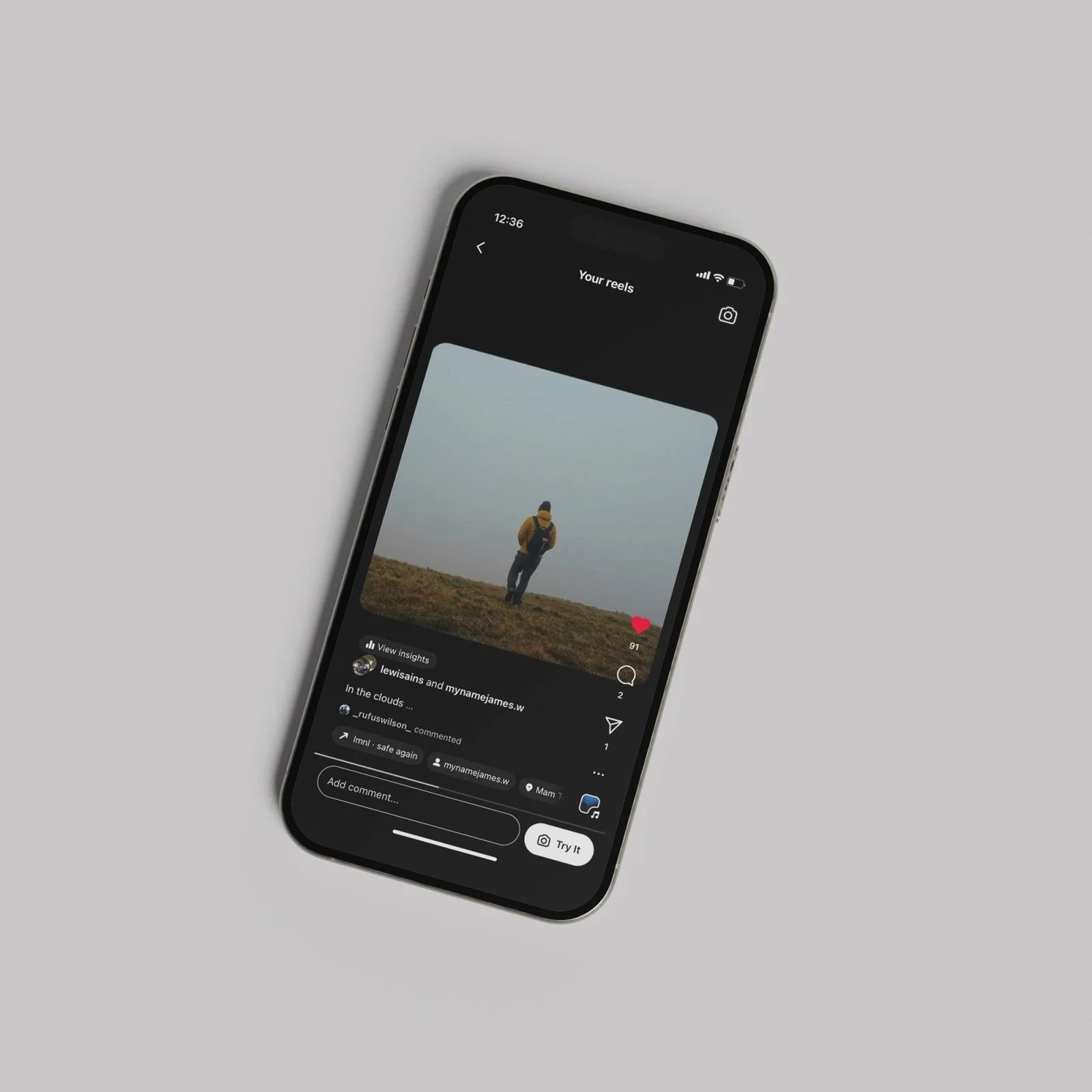
Get on board with the latest trend within the Filmmakers of Instagram community. Drag and drop this template into your editing software of choice to allow your footage to sit behind a classic 4:3 window within a 1080 x 1920px template. This free curved-corner border helps you create a quick and ideal way to upload short form video to platforms such as TikTok and Instagram Reels without over cropping.
Compatible with: Premiere Pro, Final Cut Pro, DaVinci Resolve, LumaFusion, Capcut and more
Contents: 1 x PNG Template Download File
Instant Access: Purchase and receive your file via email within seconds—no waiting for postal delivery, start using it right away!
Instant Access: Purchase and receive your file via email within seconds—no waiting for postal delivery, start using it right away!
How To Use: Start a new project in portrait orientation (1080 x 1920px) and once you've imported your footage simply drag and drop the template above your chosen clips. Adjust the size and position of the underlying clip accordingly and you're ready to go.
Watch the video above for a full walkthrough.
$8.33
Rounded Square Reels Template—
$8.33
Product Information
Product Information
Shipping & Returns
Shipping & Returns
Description
Get on board with the latest trend within the Filmmakers of Instagram community. Drag and drop this template into your editing software of choice to allow your footage to sit behind a classic 4:3 window within a 1080 x 1920px template. This free curved-corner border helps you create a quick and ideal way to upload short form video to platforms such as TikTok and Instagram Reels without over cropping.
Compatible with: Premiere Pro, Final Cut Pro, DaVinci Resolve, LumaFusion, Capcut and more
Contents: 1 x PNG Template Download File
Instant Access: Purchase and receive your file via email within seconds—no waiting for postal delivery, start using it right away!
Instant Access: Purchase and receive your file via email within seconds—no waiting for postal delivery, start using it right away!
How To Use: Start a new project in portrait orientation (1080 x 1920px) and once you've imported your footage simply drag and drop the template above your chosen clips. Adjust the size and position of the underlying clip accordingly and you're ready to go.
Watch the video above for a full walkthrough.